

Walk into any server room, hospital corridor, or hotel telecom closet with tangled cables everywhere, and you already know the problem. Cables get pulled loose, dust builds up, technicians can’t trace a single line without shutting down half the network, and every repair takes twice as long as it should. A cable management system is the set of physical components and layout practices that organize, route, and protect the cabling running through a building, from raceways and trays to labeling and termination points at the headend.
At its core, a cable management system works by giving every cable a defined path from source to destination, secured with hardware like J-hooks, conduit, ladder racks, or vertical managers, and documented so anyone on your team can identify a line in seconds. Structured cabling depends on this organization to function reliably over years, not just at install.
This article breaks down the components that make up a working system, how they’re chosen based on your environment, and what separates a professional headend buildout from a rack full of loose cords. Whether you’re managing a hospital network closet or a commercial telecom room, you’ll leave knowing exactly what to look for and why it matters.
Why cable management matters for your organization
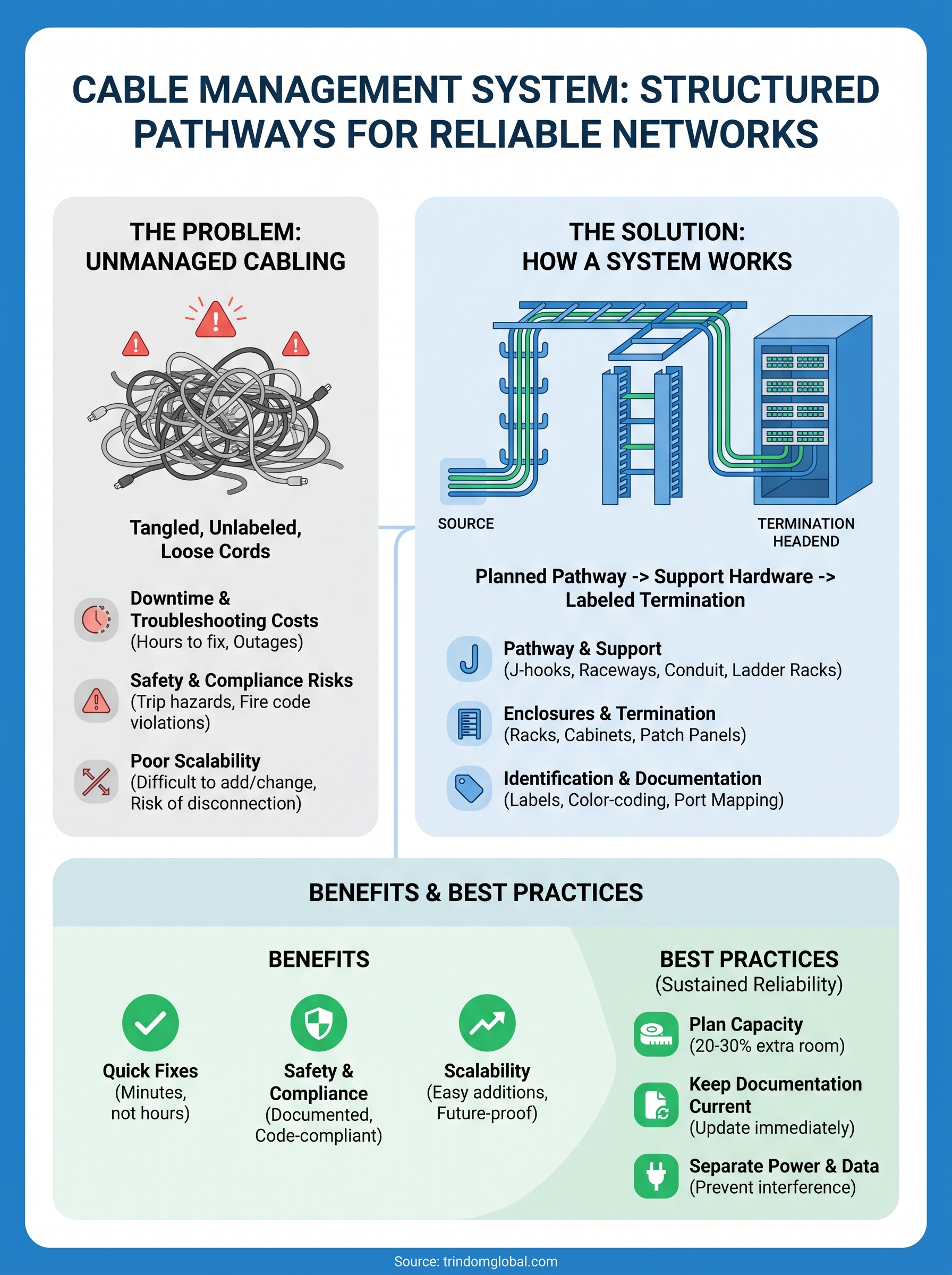
Disorganized cabling costs you money every single day, even when nothing appears broken. Poor cable management turns a five-minute fix into a two-hour outage because your technician has to trace a single line through a rat’s nest of unlabeled cords before they can even start the actual repair. Facilities that skip proper planning end up paying for it later in labor hours, emergency service calls, and equipment that fails early from heat buildup and physical strain.
Downtime and troubleshooting costs
Technicians can’t fix what they can’t identify. When cables aren’t labeled, routed, or terminated according to a documented plan, every service call turns into an investigation. Hospitals feel this acutely because a network closet failure can delay patient monitoring systems or nurse call stations. Hotels and multifamily properties feel it too, since a tangled headend means guest complaints pile up while your team hunts for the right line.
A cable management system turns a two-hour outage into a five-minute fix.
Safety and compliance risks
Loose cables aren’t just messy, they’re a hazard. Cords draped across walkways create trip risks, and cables bundled too tightly near HVAC returns or electrical panels can violate fire codes. Government facilities and healthcare environments in particular face inspection requirements that demand documented, code-compliant cabling, and the National Fire Protection Association outlines standards for cable routing near fire-rated assemblies that many buildings overlook until an inspector flags them.
Scalability for future growth
Buildings grow. Departments add equipment, hospitals add imaging suites, and hotels add smart room technology. A structured system built with capacity in mind lets your team add a new run without ripping apart existing infrastructure. Consider the difference in outcomes below:
| Situation | Unmanaged Cabling | Structured System |
|---|---|---|
| Adding a new device | Hours of tracing, risk of disconnecting live lines | New run added to existing tray in minutes |
| Equipment failure | Difficult to isolate the faulty cable | Labeled paths identify the issue immediately |
| Facility inspection | Frequent code violations | Documented, compliant layout |
Organizations that treat cable management as an afterthought pay for that decision repeatedly. The ones that plan it correctly from the start rarely think about their cabling at all, which is exactly the point.
How a cable management system works
Every functional system starts with a planned pathway, not a pile of cords. Before a single cable gets pulled, a design-build team maps where it originates, where it terminates, and what hardware carries it in between. That path runs through raceways, conduit, or overhead trays, then drops into a rack or termination point at the headend, where patch panels and connectors organize everything into a testable, traceable layout.
From pathway to termination
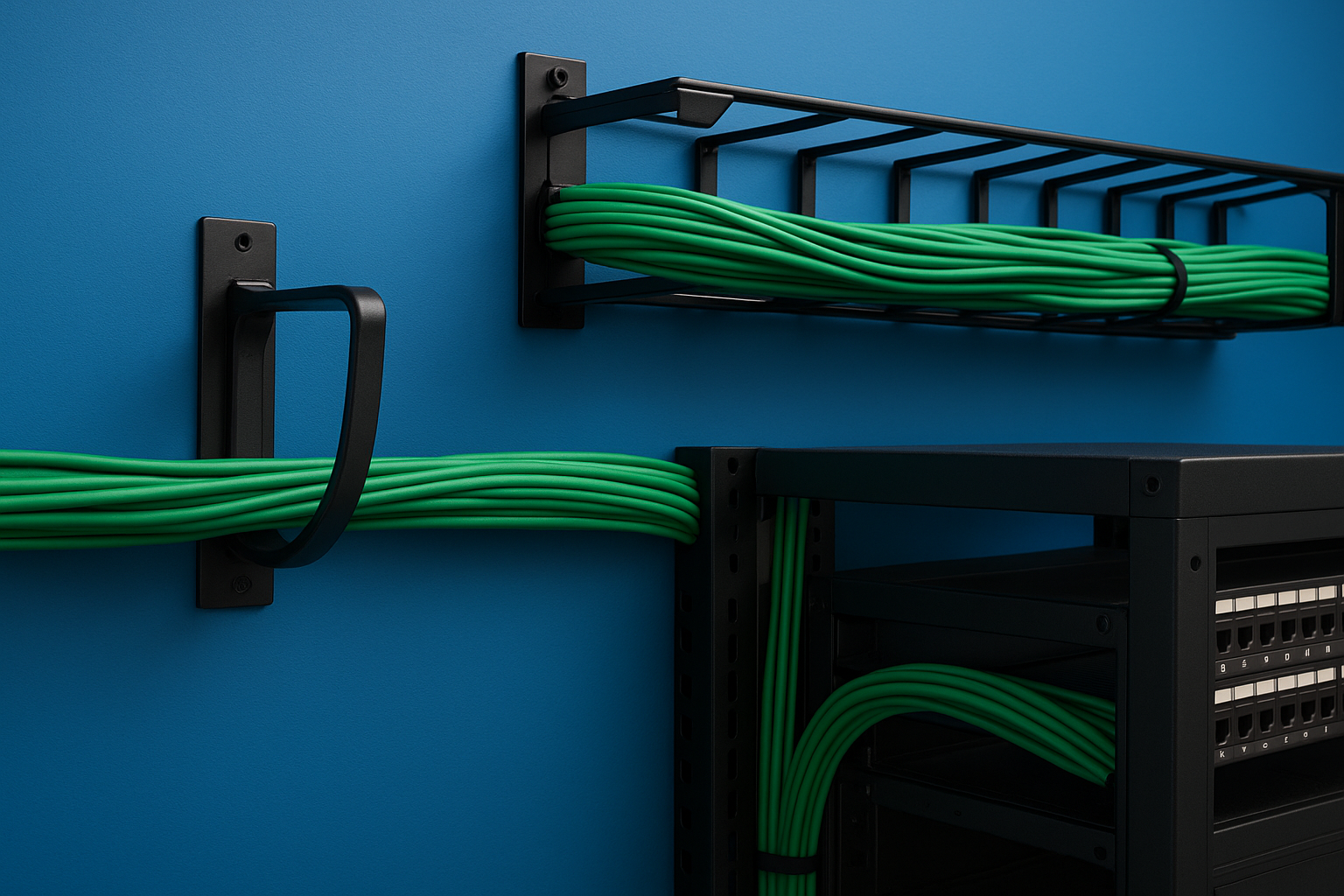
Once the route is set, physical hardware holds it in place. J-hooks and ladder racks support horizontal runs above ceilings, vertical managers organize cabling inside racks, and conduit protects lines running through walls or exposed areas. Without this structure, cables sag, cross paths with electrical lines, and degrade faster from strain on the connectors.
Good hardware placement is what keeps a cabling system organized years after installation, not just on day one.
Labeling and testing close the loop
A system isn’t complete until it’s documented. Every cable gets a label tied to a floor plan or database, and every run gets tested for continuity and performance before it goes live. The Telecommunications Industry Association publishes standards many installers reference for these testing benchmarks. Skip this step, and you’re left with a physically neat rack that’s just as hard to troubleshoot as a tangled one.
Types of cable management components and solutions
A working cable management system isn’t one product, it’s a collection of components chosen to match your environment. Hospitals need different hardware than a hotel headend or a multifamily campus, but the categories stay consistent: pathway hardware, containment, and identification tools that work together to keep every run accessible.
Pathway and support hardware
Raceways, J-hooks, and ladder racks carry cables through ceilings, walls, and equipment rooms without straining connectors. Conduit adds protection in exposed or high-traffic areas, while vertical and horizontal managers inside racks keep patch cords from blocking airflow or crossing power lines.
Enclosures and termination hardware
Racks, cabinets, and patch panels give your cabling a fixed, testable endpoint. These enclosures protect sensitive termination points from dust and accidental disconnection, which matters most in facilities running critical systems around the clock.
The right components depend on your building, not a one-size-fits-all kit.
Identification and documentation tools
Labels, color-coded cables, and port mapping software close the gap between a physically organized rack and one your team can actually troubleshoot. Compare common solutions below:
| Component | Primary Use |
|---|---|
| J-hooks | Overhead horizontal cable support |
| Vertical managers | In-rack cable routing |
| Patch panels | Fixed termination points |
| Cable labels | Identification and troubleshooting |
Matching these categories to your facility’s needs is what separates a durable installation from one you’ll be replacing in two years.
Best practices for a reliable cable management setup
A well-installed system can still fail if nobody maintains it. Best practices aren’t about buying premium hardware, they’re about consistent habits that keep your labeling accurate and your pathways free of overloaded runs as equipment changes over time.
Plan capacity before you install
Good installers size raceways and racks for growth, not just current need. Cramming today’s cable count into a tray with no spare room forces a rebuild the moment your organization adds a device. Leave 20 to 30 percent extra capacity in trays and panels so future runs slide in without disturbing existing lines.
Keep documentation current
A label is only useful if it matches reality. Every time a technician adds, moves, or removes a cable, update the floor plan or port map immediately, not at the next audit. Facilities that let documentation lag behind their physical layout end up right back where they started: guessing.
Documentation that isn’t updated the day the work happens is documentation you can’t trust.
Separate power and data lines
Running data cables too close to electrical lines causes interference that degrades performance long before anyone notices a physical problem. Keep a consistent separation distance and use shielded conduit where crossings are unavoidable.
Schedule periodic audits
- Walk the headend quarterly to check for loose terminations
- Verify labels against your current port map
- Test a sample of runs for continuity
- Flag any cable exceeding manufacturer bend radius
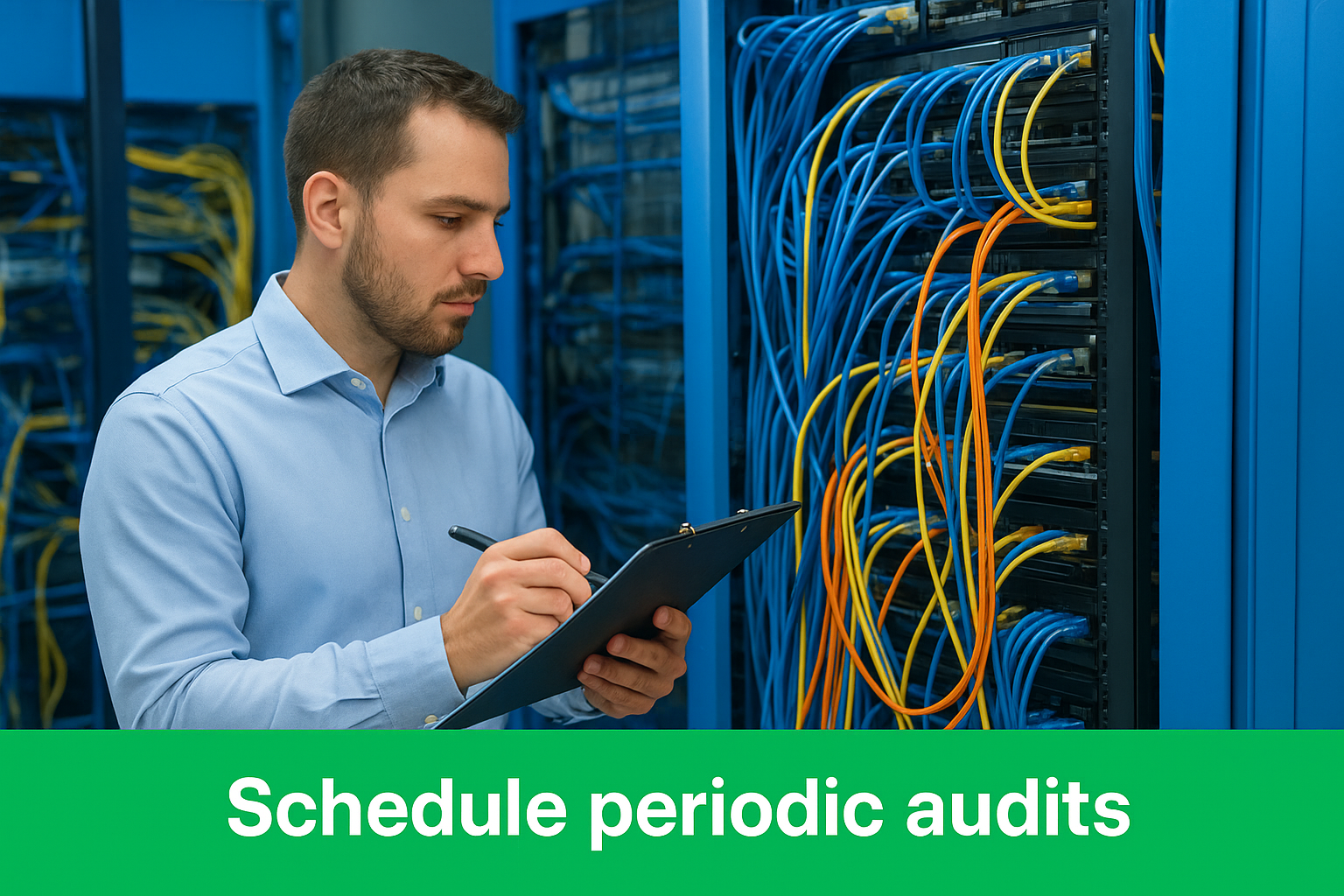
Consistent maintenance is what keeps a properly designed cable management system reliable for a decade, not just for the first year after install.
Bringing It All Together
A cable management system isn’t a luxury add-on, it’s the difference between infrastructure that scales with your organization and one that costs you every time something changes. You’ve seen what makes it work: planned pathways, the right hardware for your environment, and documentation that stays current instead of gathering dust. Skip any of these and you’re back to tracing tangled lines during an outage that shouldn’t have happened.
Whether you’re managing a hospital network closet, a hotel headend, or a multifamily campus preparing for growth, the principles stay the same. Structured planning upfront saves you labor, downtime, and compliance headaches for years afterward. If your facility’s cabling needs a design-build team that understands healthcare, hospitality, and government requirements from the ground up, talk to Trindom Global about building a system that holds up long after the install crew leaves.


